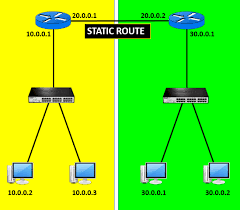
What is static routing in networking?

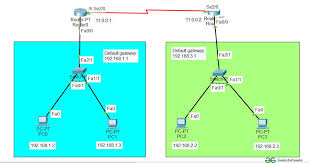
Static routing in computer networks is a manual configuration method where network administrators explicitly define the paths for data packets in a router’s routing table.  It is a non-adaptive technique ideal for small, stable networks, offering high security, predictability, and low resource overhead because it does not require frequent routing table updates.  Key aspects of static…
Read More

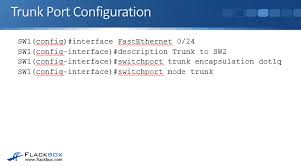
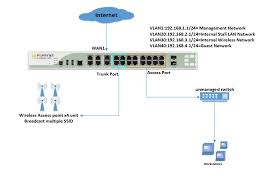
How to configure trunk port on cisco switch

Configuring a Cisco trunk port enables a single physical interface to carry traffic for multiple VLANs between switches using 802.1Q encapsulation. Essential commands involve entering interface configuration mode, setting encapsulation to dot1q (if needed), and changing the port mode to trunk.  Basic Trunk Configuration Commands text Switch# configure terminalSwitch(config)# interfaceSwitch(config-if)# switchport trunk encapsulation dot1q // Required…

Read More

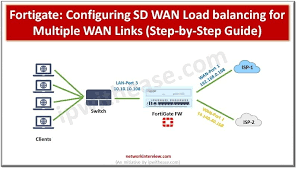
How to configure load balancer in fortigate firewall

Configuring a load balancer in a FortiGate firewall involves enabling the “Load Balance” feature in System > Feature Visibility, then defining a Virtual Server under Policy & Objects to act as the public-facing IP. You must assign a load-balancing method (e.g., Round Robin), add real servers with their IP addresses, configure a health check, and finally, create a firewall policy to…

Read More

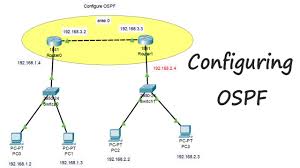
How to configure ospf protocol in cisco switch

Configuring OSPF on a Cisco switch requires enabling routing, creating an OSPF process, defining the Router ID, and assigning interfaces to areas using wildcard masks. Key commands include ip routing (to enable L3), router ospf [process-id], network [address] [wildcard-mask] area [area-id], and show ip ospf neighbor for verification.  Basic OSPF Configuration Steps Alternative: Interface-Level Configuration  Instead of using network statements, you can enable OSPF…

Read More