How to Configure AD DS on Your Windows Server
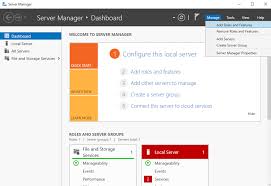
Configuring an Active Directory (AD) server in Windows Server 2019 is a two-stage process: first, you install the Active Directory Domain Services (AD DS) role, and then you promote the server to a Domain Controller (DC). Prerequisites Before starting, ensure your server meets these vital requirements: Step 1: Install the AD DS Role Step 2:…